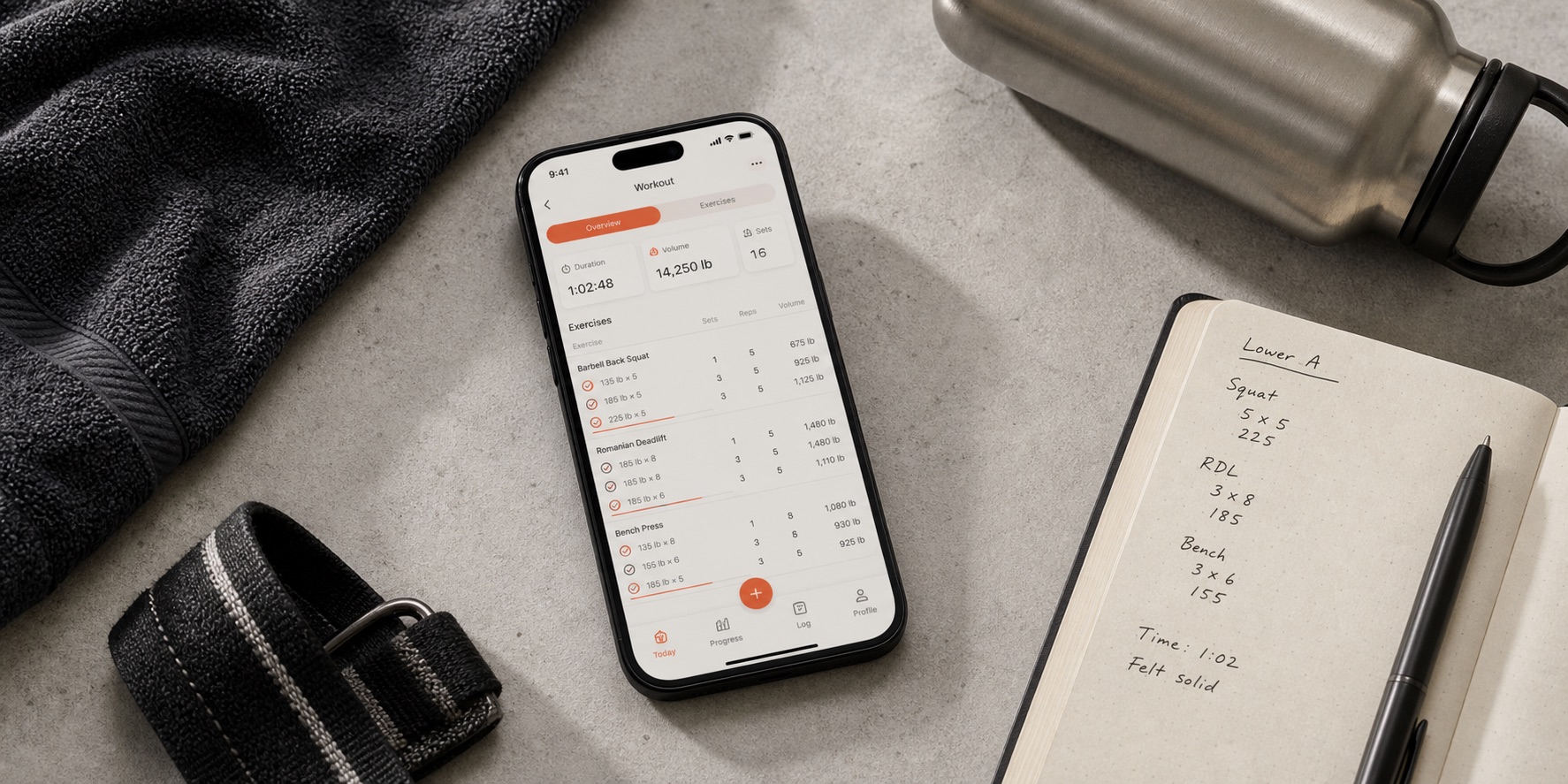
Who this is for
A logbook, a program, or a planner?
This guide is for lifting: exercises, sets, reps, weights, and the next session. It is not a comparison of running watches, guided fitness classes, or calorie trackers.
A logger keeps the record. You bring the routine and decide what to change. That can be exactly right if you follow a coach's plan, a spreadsheet, or your own established program. More automation would not necessarily improve that arrangement.
A structured program supplies a sequence of sessions and instructions for following it. The shopping question is whether that sequence fits your goals, equipment, and available days. A large library helps only if you can choose something appropriate from it.
A generator or progression planner proposes part of the work: exercises for a session, targets for a set, or both. Inspect which decisions it makes and which still fall to you. A chat box, an exercise suggestion, and a revised rep target should not be treated as the same feature.
These are overlapping jobs, not permanent boundaries between brands. The app sections below explain why each belongs on the shortlist without pretending that its competitors cannot do anything similar.
Price and access at a glance
These are historical source snapshots, not live prices. Each column retains its recorded verification date. Check the linked official pricing and store sources in the app section before subscribing; region, platform, and billing route can change the offer.
| Feature | Hevy | Strong | Boostcamp | Alpha Progression | Fitbod | StrengthLog | JEFIT |
|---|---|---|---|---|---|---|---|
| Consider it for | Recording a routine you already know, with optional social sharing. | Keeping your own program and a familiar logging workflow. | Choosing a structured lifting program and logging its sessions. | Combining a structured plan with weight and rep recommendations. | Getting a proposed session around the equipment you have. | Logging lifting sessions before deciding whether premium tools matter. | Browsing exercises and organizing a self-directed training plan. |
| Price snapshot | Free; Pro $2.99/month, $23.99/year or $74.99 lifetime (US App Store, October 30, 2026) | Free; US App Store snapshot: Pro $4.99/month or $29.99/year | Free core; paid Pro | Free; Pro subscription | US subscription help: $15.99/month or $95.99/year; store pricing varies by region | Free; Premium $16.90/month, $37.90/3 months or $109.00/year (US App Store, October 30, 2026) | Free; Elite about $13/mo in the US |
| Free tier / trial snapshot | Free with caps: 4 routines, 7 custom exercises and 3 months of workout and stats history. Pro removes the caps and adds Trainer | Free version saves unlimited workouts but is limited to 3 custom routines | Free program library, full tracker and manual custom program builder; Auto Progression requires Pro | Free logging; plan generation, progression recommendations, and charts require Pro | 7-day trial after selecting a monthly or yearly plan, then subscription | Unlimited free workout logging and custom exercises, no ads; Premium adds double and triple progression, the full program library and RPE/RIR logging | Free tier with ads and limits |
| Platforms snapshot | iOS, Android, Apple Watch, Wear OS | iOS, Android, Apple Watch | iOS, Android | iOS, Android | iOS, Android, Apple Watch; Google Play documents Wear OS integration | iOS, Android, Apple Watch, Wear OS | iOS, Android, Apple Watch, Wear OS |
| Snapshot date | 2026-10-30 | 2026-09-08 | 2026-09-08 | 2026-09-08 | 2026-09-08 | 2026-10-30 | 2026-09-08 |
A free trial is not an ongoing free tier. Compare the cost of the capability you need, and check renewal and cancellation terms at checkout. We have not rechecked every price, store listing, watch feature, or offline workflow for this rewrite.
Which app is worth your time?
The order is a reading path, not a scorecard. Start with your use case; skip the apps solving a problem you do not have.
Start here for a logbook
Hevy
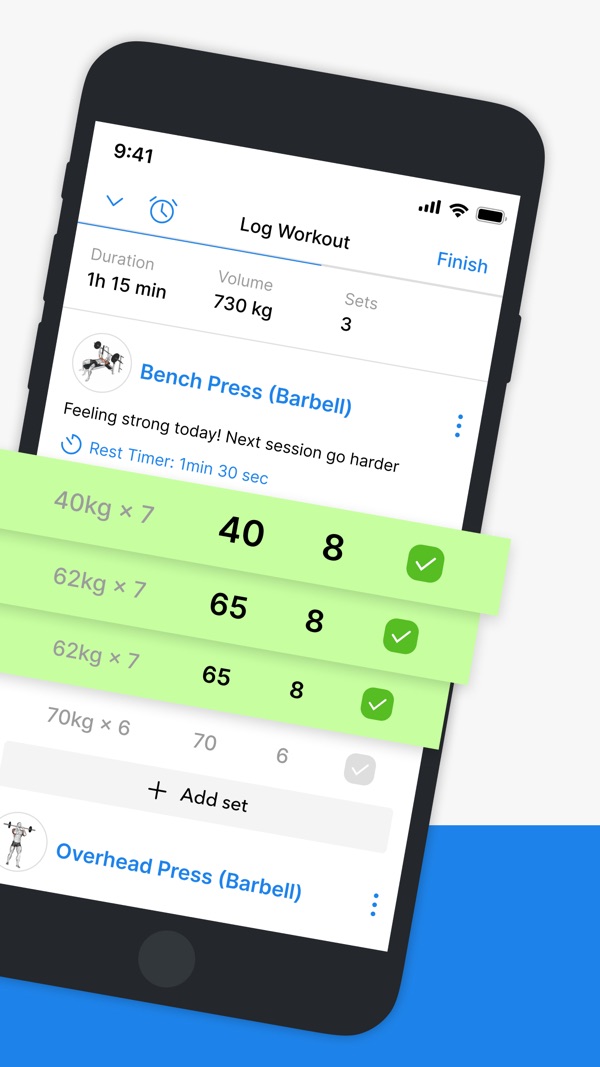
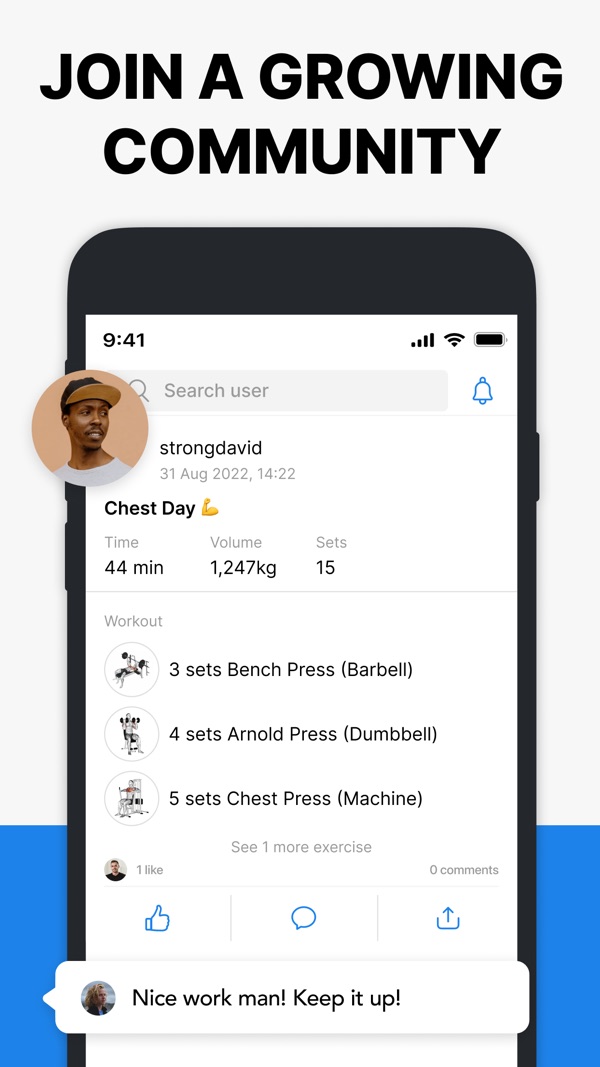
Hevy is my starting recommendation if you already know what you want to lift. Set up the routine, record your sets, and return to the numbers next time: that is the core job I would choose it for.
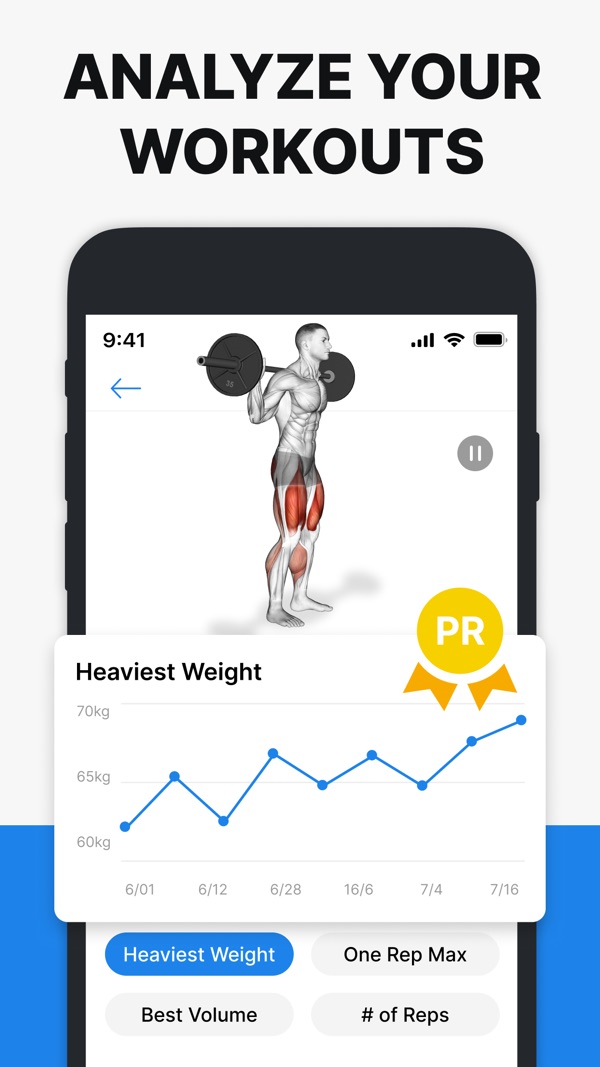
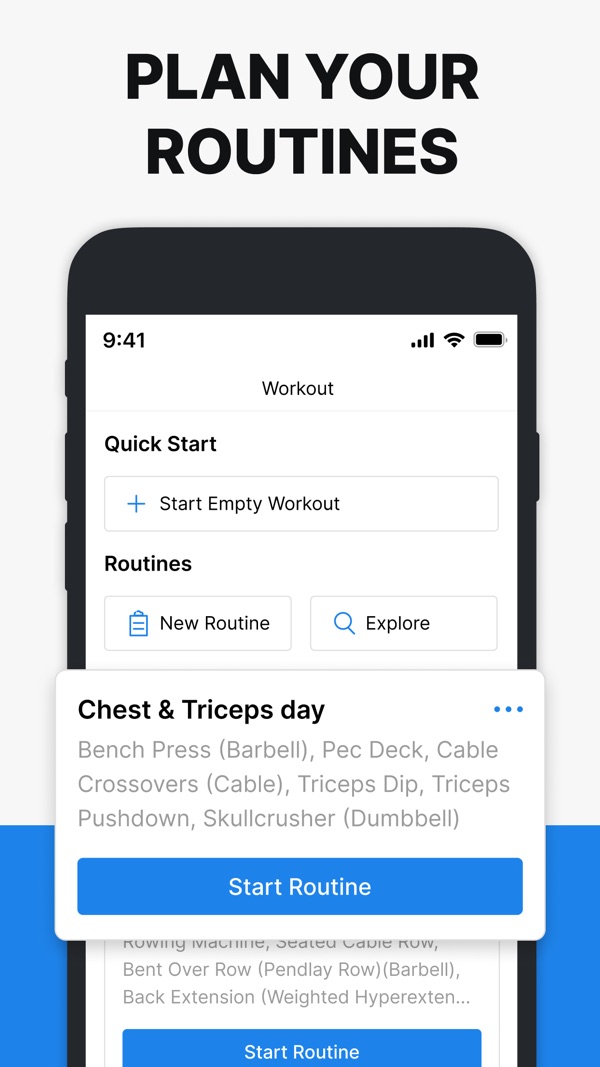
Hevy's documentation shows reusable routines, previous workout values, rest settings, exercise notes, and supersets. Those are useful things to inspect before paying for planning you may not need. If seeing friends' sessions appeals to you, its social features give you another reason to put it on the shortlist.
Hevy also documents Trainer, a feature that creates programs from goals, equipment, schedule, and experience. Its announcement says Trainer is included in Hevy Pro at no additional cost. Existing users looking for more direction should investigate it before migrating their history elsewhere. We have not tested Trainer; our starting recommendation here is for the logging workflow.
Product documentation: Hevy logging documentation; Hevy Trainer announcement.
When to keep it: Keep Hevy if your routines are set up, you can find last week's numbers, and logging is not interrupting your sessions. A different app needs to solve a specific problem to justify the move.
Before you choose: Check the free tier against the number of routines you actually use. Do not assume the logging tier includes every planning feature.
Price and access snapshot · 2026-10-30
- Price
- Free; Pro $2.99/month, $23.99/year or $74.99 lifetime (US App Store, October 30, 2026)
- Free tier / trial
- Free with caps: 4 routines, 7 custom exercises and 3 months of workout and stats history. Pro removes the caps and adds Trainer
- Platforms
- iOS, Android, Apple Watch, Wear OS
Apple Watch: true
For a self-directed lifting routine
Strong
Strong belongs beside Hevy on a manual-logging shortlist, especially if you already use it. A workout app does not need to choose your exercises to be worth keeping.
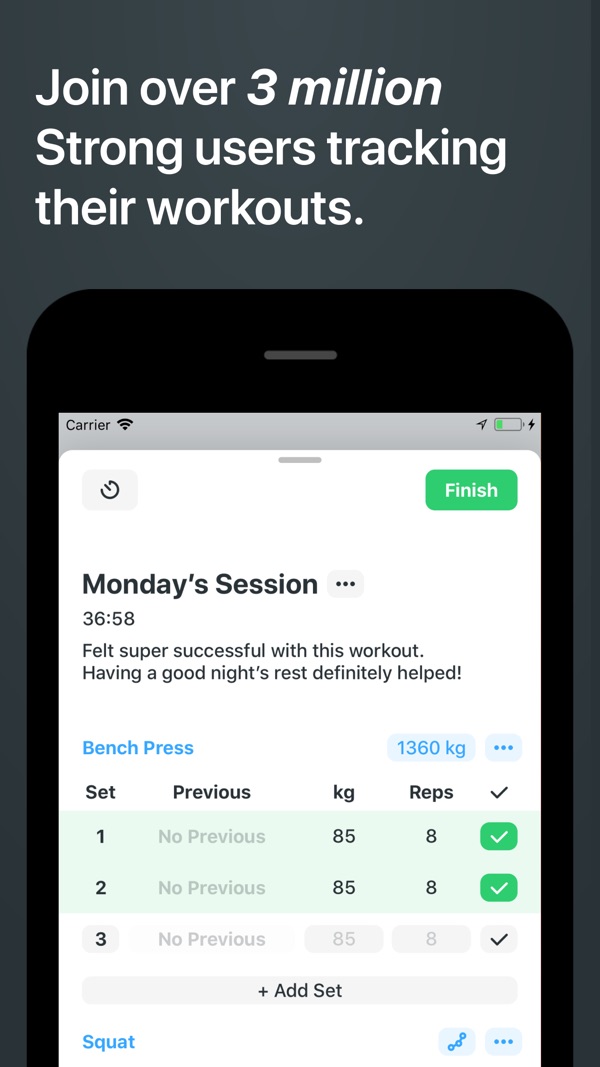
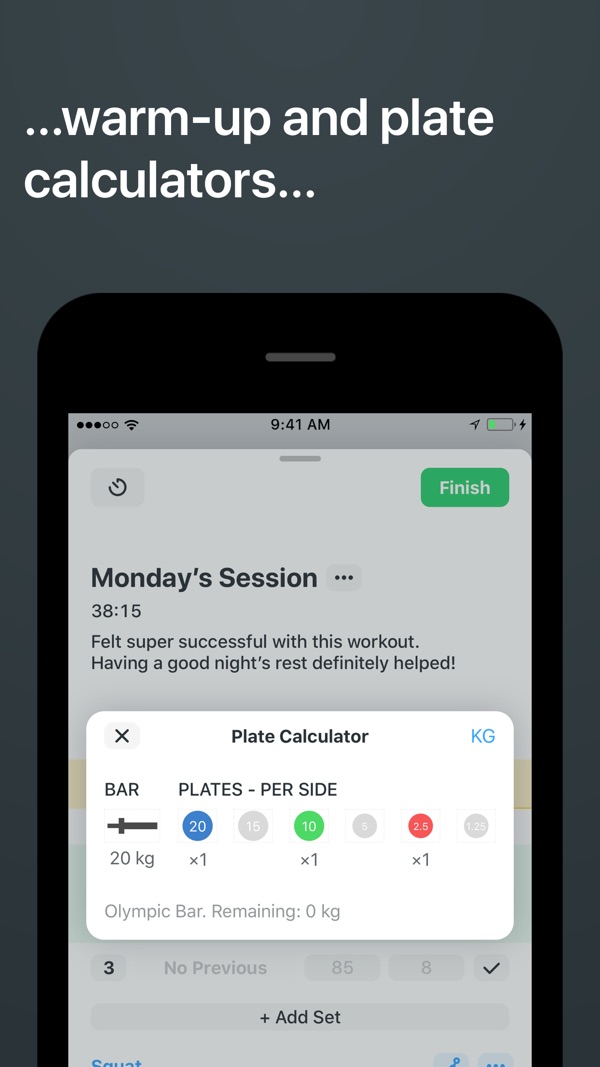
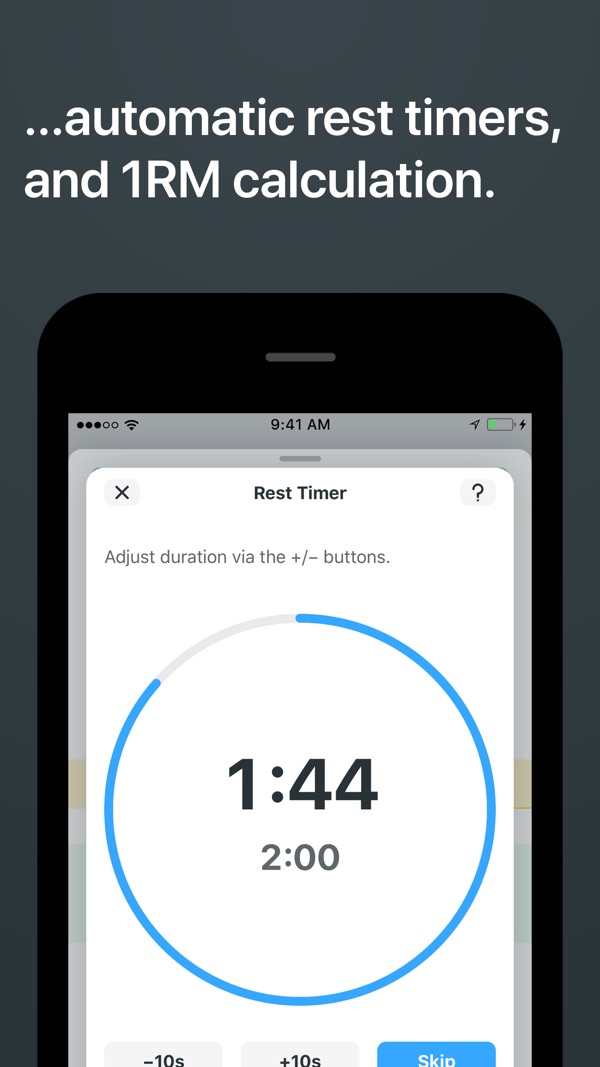
Strong's official site centers workout tracking and lists iPhone, Android, and Apple Watch access. I would consider it when the purchase is a notebook replacement, not a request for someone else to write the program. Watch users should try the actual start, edit, finish, and sync sequence rather than choosing from a device badge alone.
The meaningful comparison with Hevy is personal: which one makes your existing routine easier to record and revisit? We have not timed their interfaces, measured sync reliability, or established a winner for phone-free workouts. A familiar screen with years of useful history can be more valuable than a new feature you will rarely use.
Product documentation: Strong official product and device information.
When to keep it: Keep Strong if it already captures your sets and lets you review them without friction. Needing a better training plan does not automatically mean needing a different logbook.
Before you choose: If your unresolved question is what to train next, evaluate a program or planner as well as a tracker.
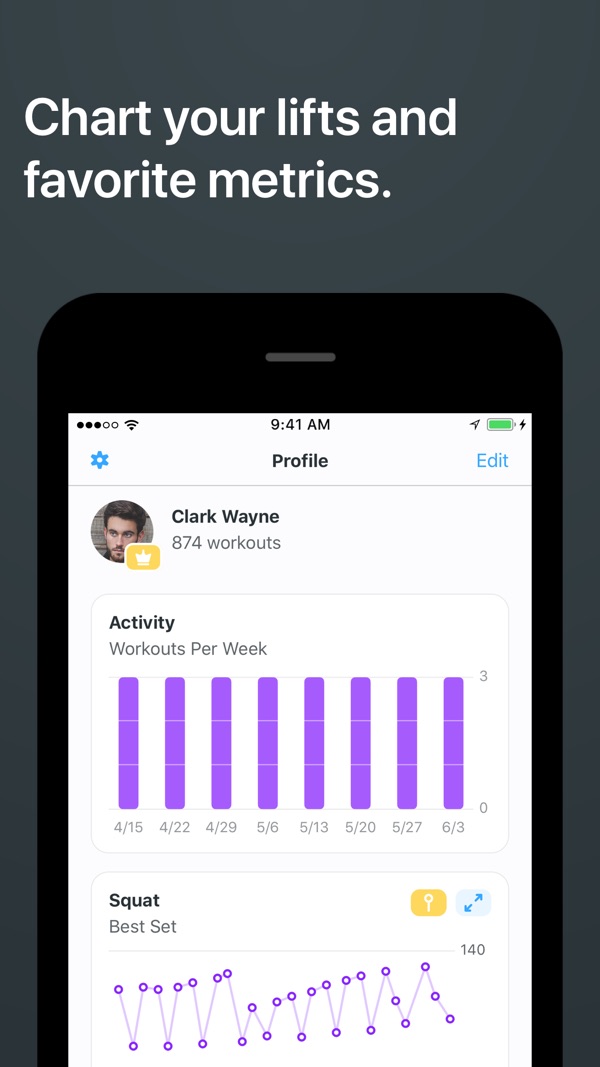
Price and access snapshot · 2026-09-08
- Price
- Free; US App Store snapshot: Pro $4.99/month or $29.99/year
- Free tier / trial
- Free version saves unlimited workouts but is limited to 3 custom routines
- Platforms
- iOS, Android, Apple Watch
Apple Watch: true
Sources for this snapshot
For following a named program
Boostcamp
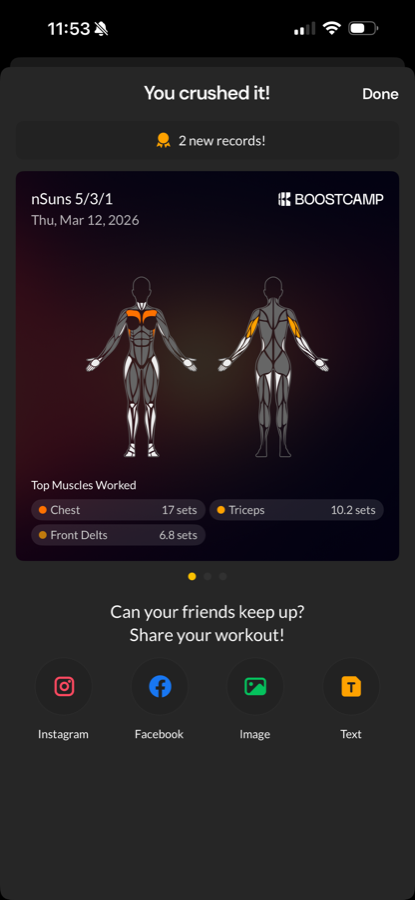
Start with Boostcamp when you want a program to follow, not another blank routine to fill in. Choosing the program is the important decision; the app is where you carry it out.
Its public library includes coach-designed and community programs, with sessions laid out for logging. That makes it a useful place to compare the weekly schedule, exercise requirements, and progression instructions before committing. A familiar program name is a starting point for inspection, not proof that the program suits your week.
Boostcamp also offers Auto Progression and an AI-assisted program builder in Pro. My reason to start here is still the library: you can inspect an identifiable program before choosing it. Read beyond the title to see the weekly commitment and how the program tells you to progress.
Product documentation: Boostcamp program library and features.
When to keep it: Keep Boostcamp if you have found a program that fits your schedule and you understand how to follow it. Switching apps mid-program needs a better reason than wanting a fresh dashboard.
Before you choose: Inspect the individual program's equipment, weekly workload, and instructions. Library size does not tell you whether the next session fits your gym.
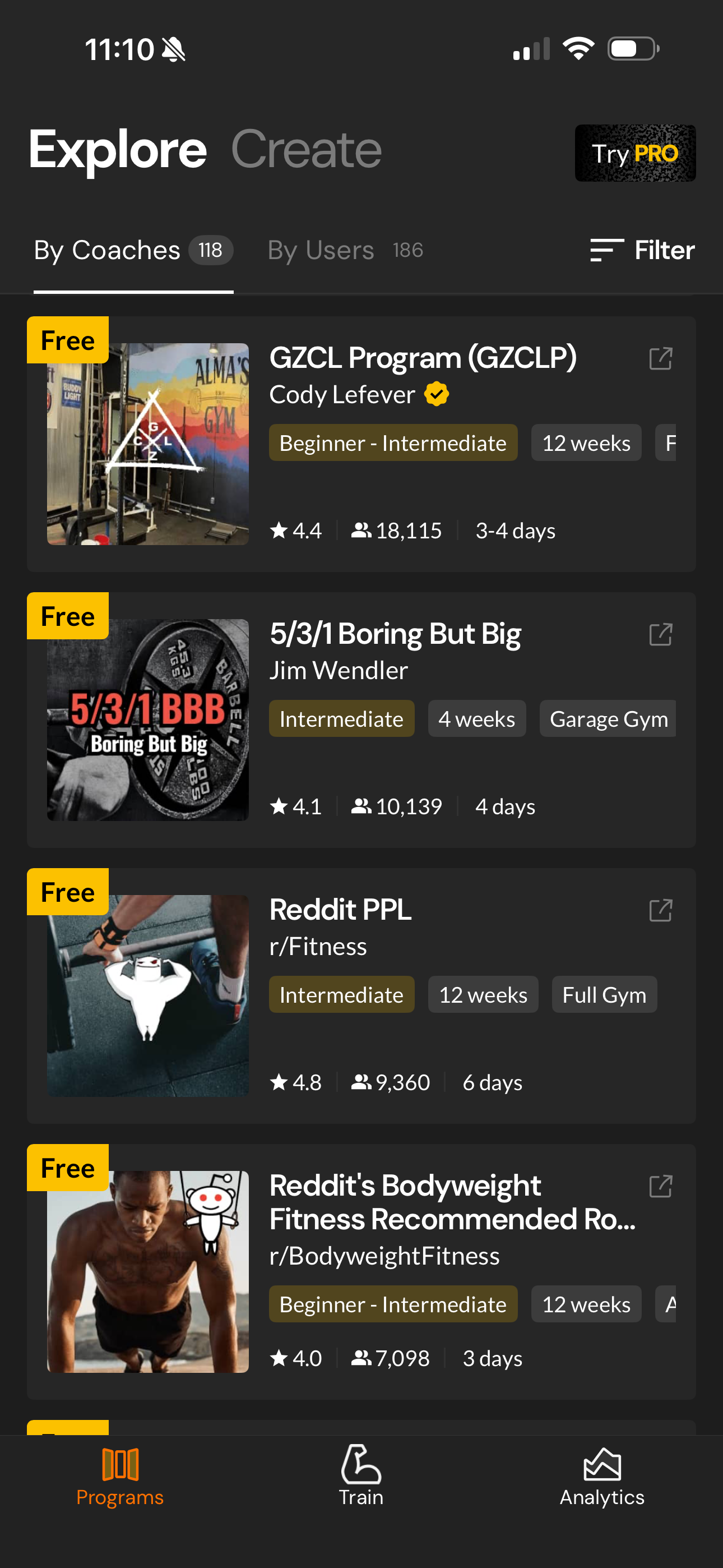
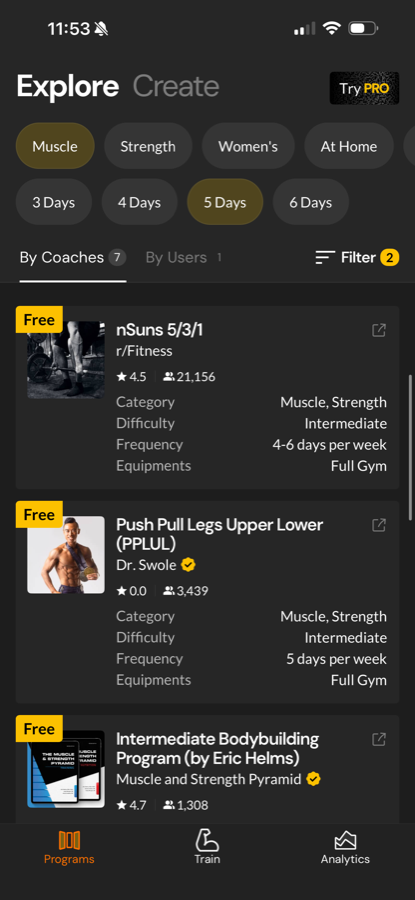
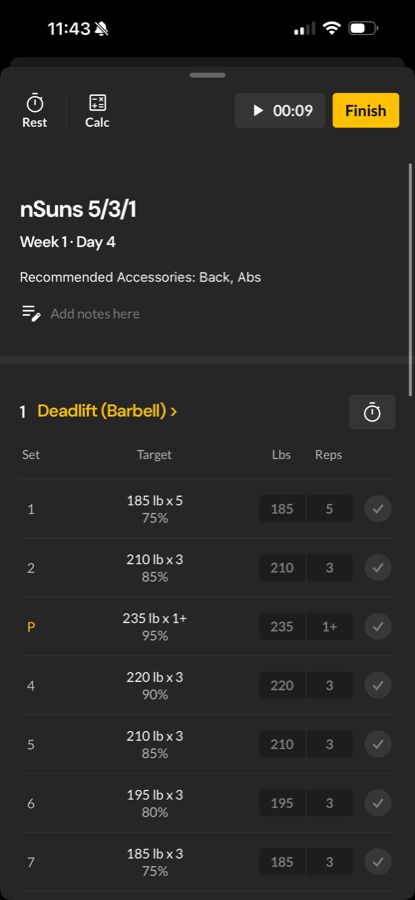
Price and access snapshot · 2026-09-08
- Price
- Free core; paid Pro
- Free tier / trial
- Free program library, full tracker and manual custom program builder; Auto Progression requires Pro
- Platforms
- iOS, Android
Apple Watch: No. Boostcamp currently says it has no Apple Watch or Wear OS app
For help choosing the next target
Alpha Progression
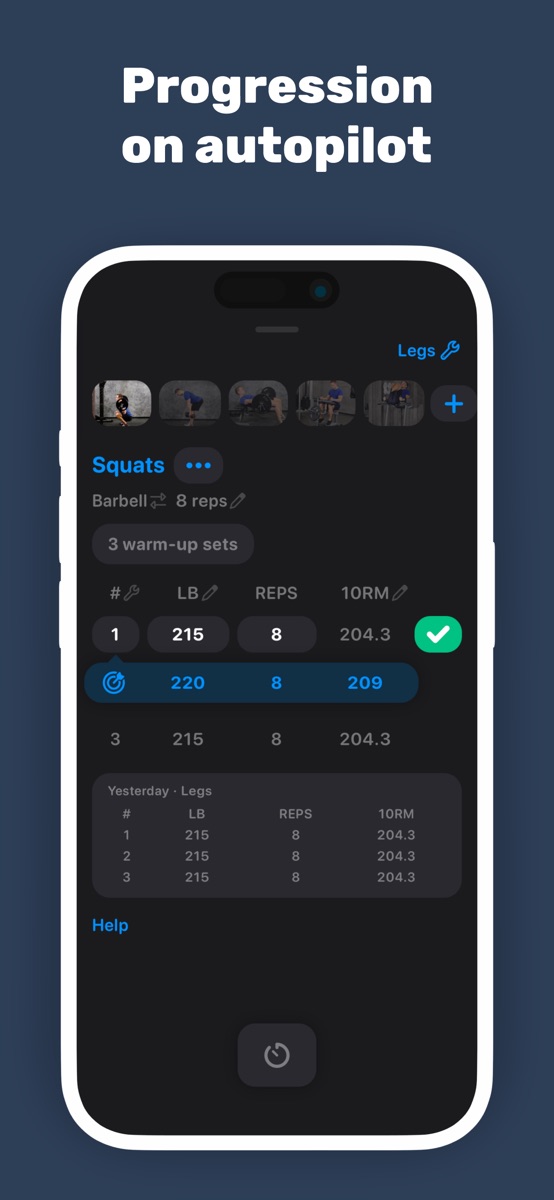
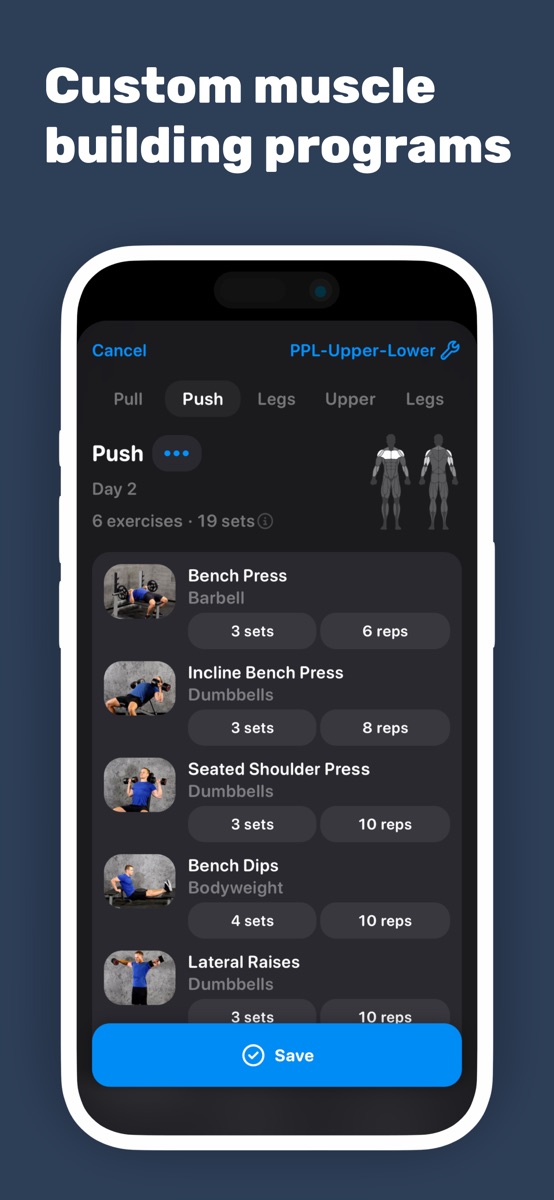
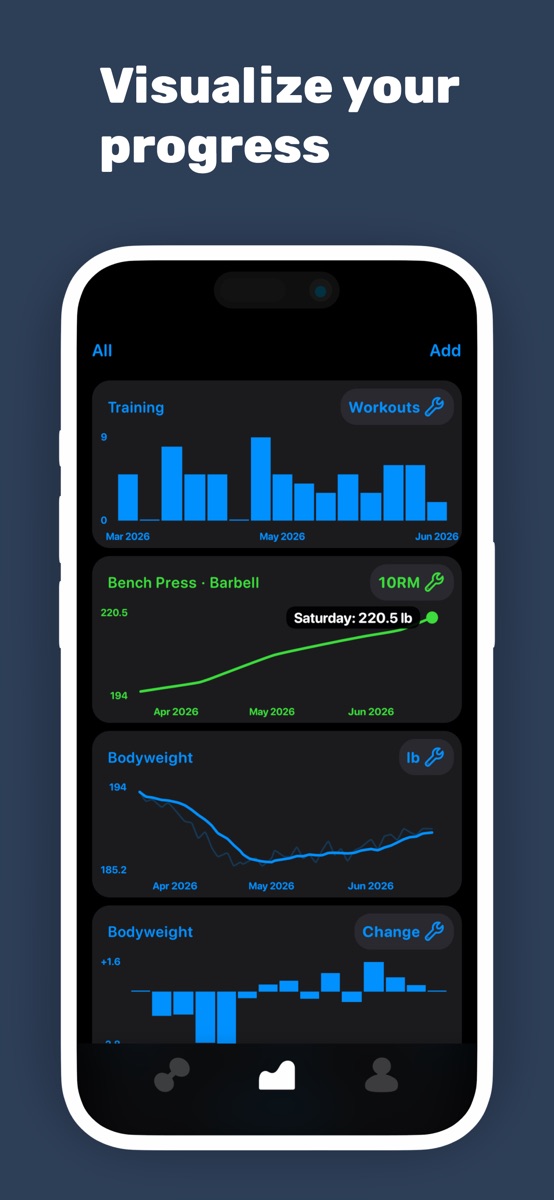
Alpha Progression is the first app I would investigate if recording the workout is easy but deciding the next target is not. That is a more specific need than wanting an app with more charts.
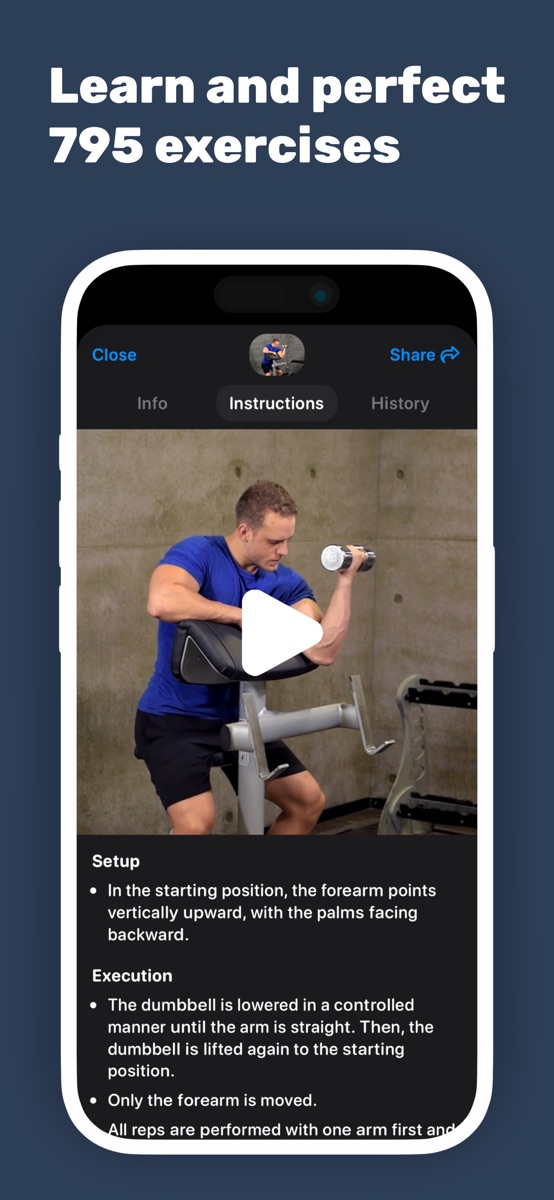
Its official site describes a plan generator and recommendations for weight, reps, and intensity based on logged training. It also distinguishes manual logging from the paid planning and recommendation tools. Compare the tier that contains the feature you came for, not just the entry price.
The question to bring to a trial is whether those recommendations fit the way you train. Can you see what is prescribed, record what you actually did, and make a change when needed? A suggested number is not evidence that a program will produce better results for you; it is a decision aid whose usefulness you can assess.
Product documentation: Alpha Progression planning, recommendations, and tiers.
When to keep it: Keep your current planner if you understand its targets and can follow them. A different progression system is not inherently an upgrade.
Before you choose: If you already have a coach or a program with clear progression rules, decide whether another set of recommendations would help or merely compete with them.
Price and access snapshot · 2026-09-08
- Price
- Free; Pro subscription
- Free tier / trial
- Free logging; plan generation, progression recommendations, and charts require Pro
- Platforms
- iOS, Android
Apple Watch: Not established by linked documentation
For equipment-aware workout generation
Fitbod
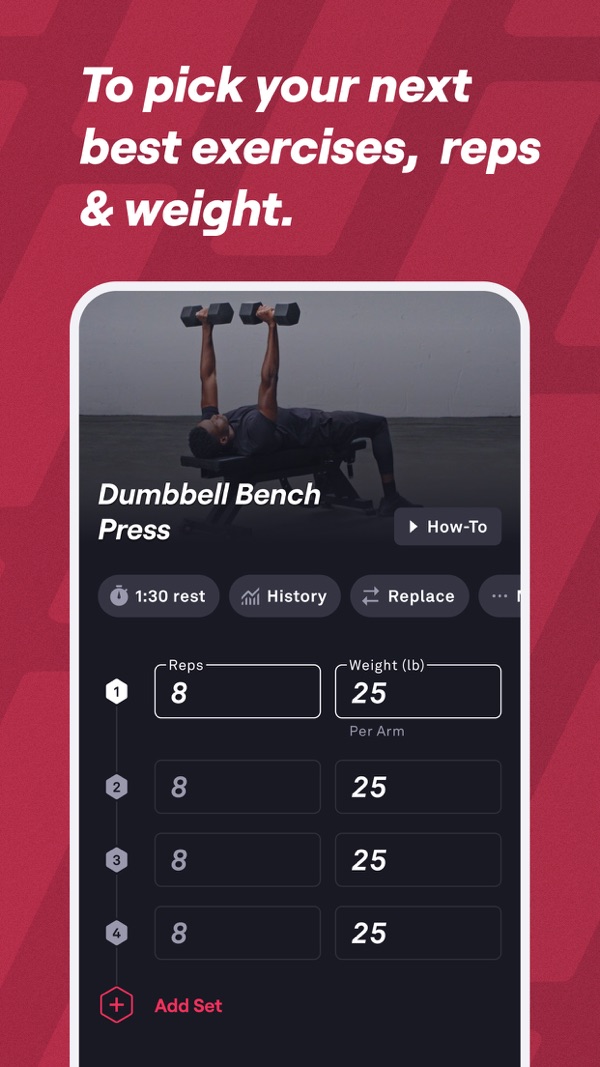
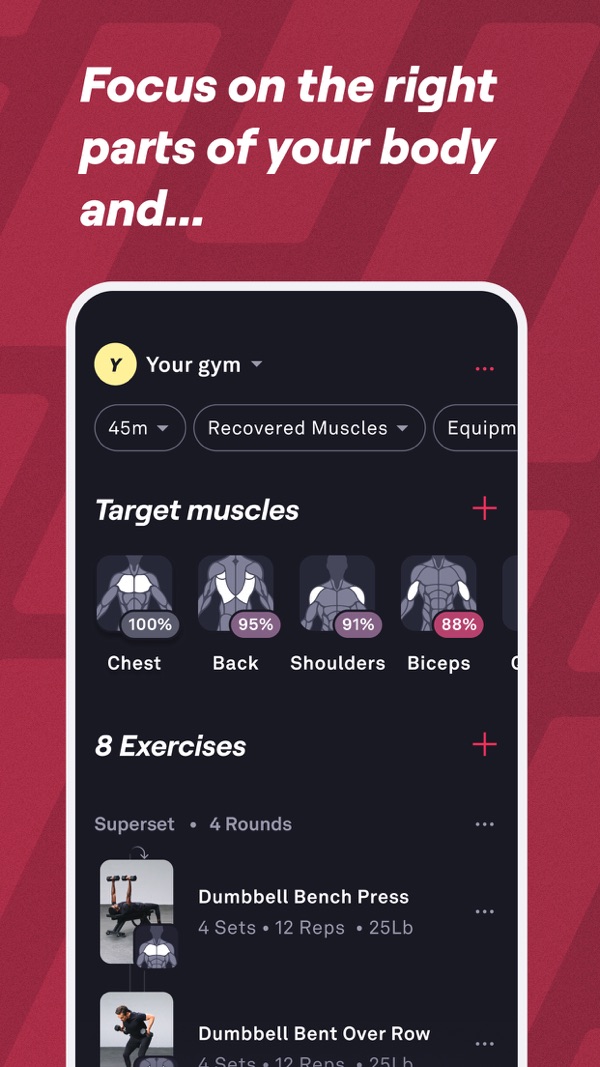
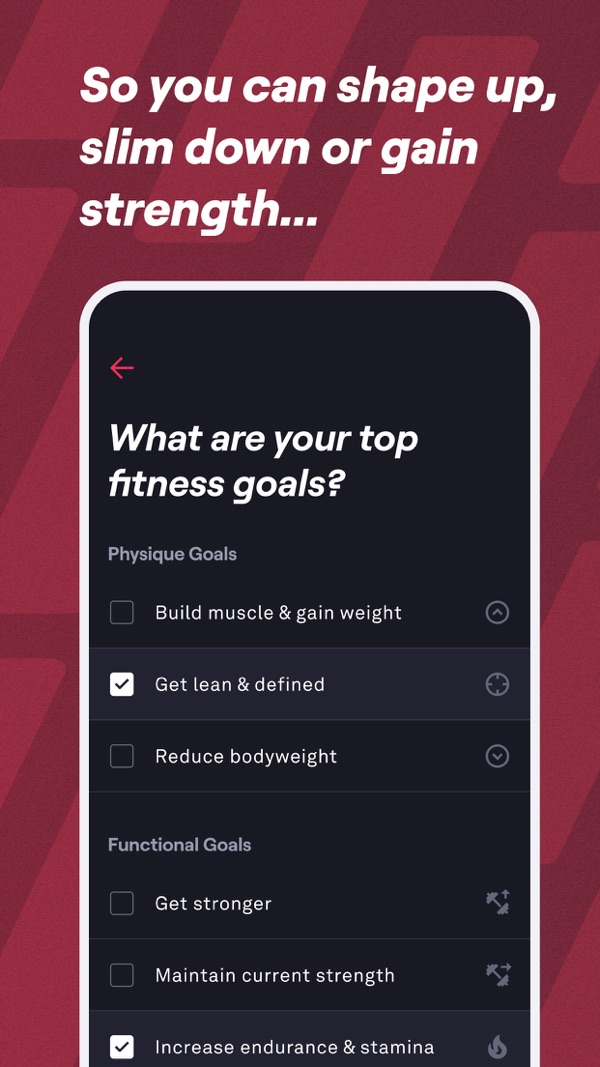
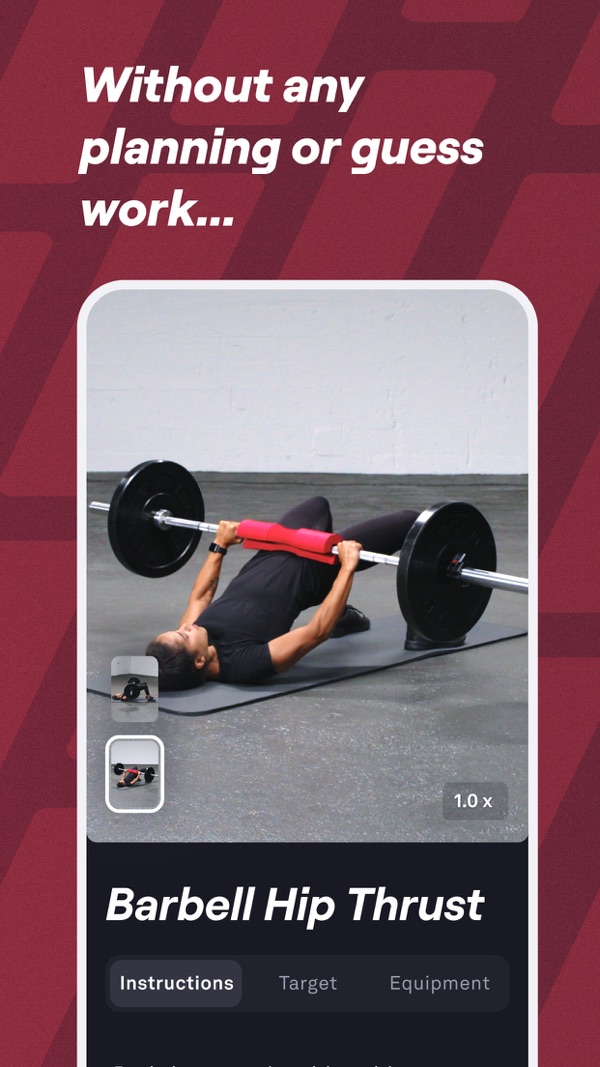
Fitbod is the app I would shortlist when building the session is the chore: you want a workout proposal that accounts for your available equipment and training history.
Fitbod describes workouts personalized to goals, fitness level, and equipment, using logged data, progressive overload, and recovery estimates. Calling it a generator does not mean it ignores progression. It describes the decision you are asking it to make: propose what to do, rather than simply store a routine you supplied.
That can be attractive if your equipment changes between home and the gym. If you are following a particular multiweek program, however, check whether the generated sessions preserve the structure you want. Do not assume that a workout which fits today's equipment is interchangeable with the next session in that program.
Product documentation: Fitbod personalization and equipment FAQ.
When to keep it: Keep Fitbod if reviewing and adjusting its proposals is easier for you than building sessions. Consider a program library instead if you would rather choose one named plan and follow it.
Before you choose: Try it with your real equipment list. This article does not validate its recovery estimates or compare its training outcomes with other apps.
Price and access snapshot · 2026-09-08
- Price
- US subscription help: $15.99/month or $95.99/year; store pricing varies by region
- Free tier / trial
- 7-day trial after selecting a monthly or yearly plan, then subscription
- Platforms
- iOS, Android, Apple Watch; Google Play documents Wear OS integration
Apple Watch: Companion: iPhone required to start, add or swap exercises, and finalize/save workouts
For a free logging starting point
StrengthLog
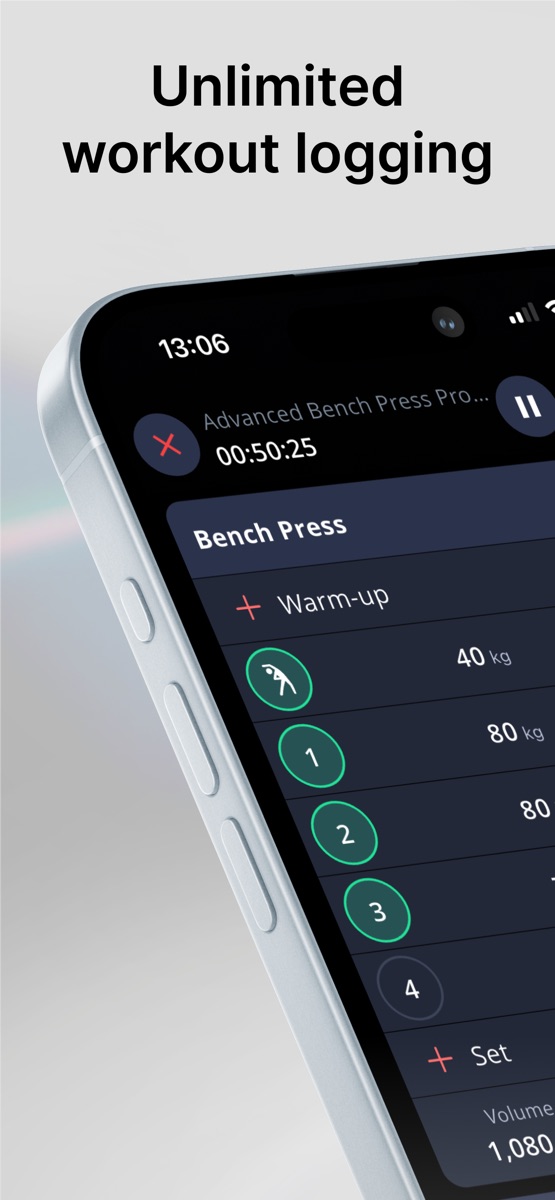
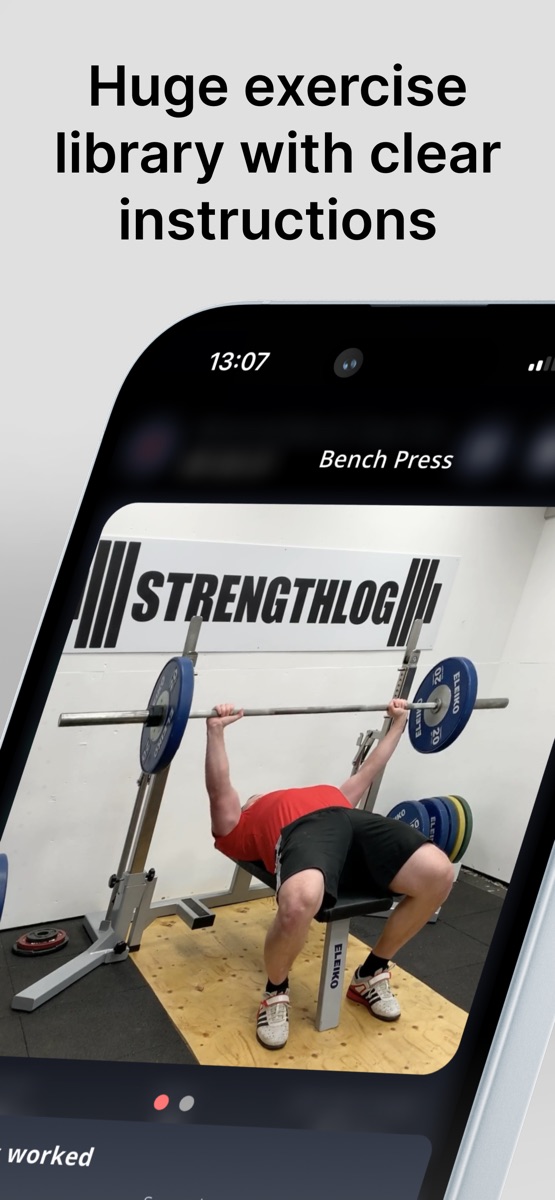
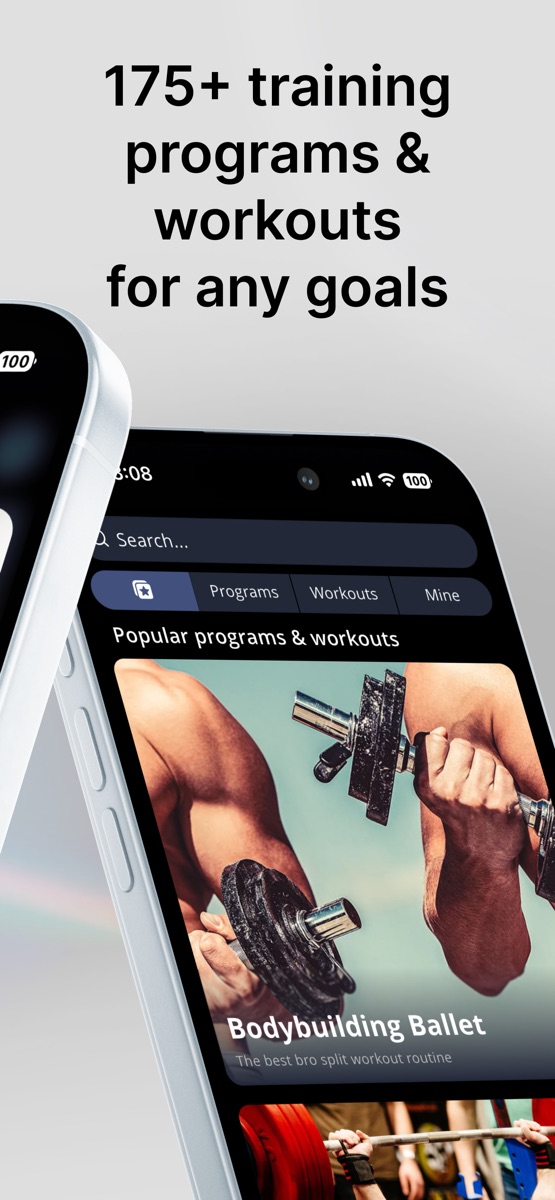
StrengthLog deserves a look if your first requirement is an ongoing workout log without a subscription. Start with the free workflow, then decide whether the extra tools solve anything you are missing.
Its official FAQ lists unlimited workout logging, basic training statistics, and basic program creation in the free version, with additional features behind Premium. That is a concrete basis for considering it as a budget option, rather than treating every free download as a free app.
Put your own routine into it before comparing premium reports. The useful test is whether you can record your usual sets, retrieve earlier sessions, and follow your plan without repeatedly meeting a paywall. We have not performed that trial for you, and the historical price snapshot below is not a current checkout quote.
Product documentation: StrengthLog free and premium FAQ.
When to keep it: Keep StrengthLog if its logging and program tools already cover your needs. Paying for another app only to recreate the same routine is a hard purchase to justify.
Before you choose: Separate basic tracking from the particular reports or programs that require Premium.
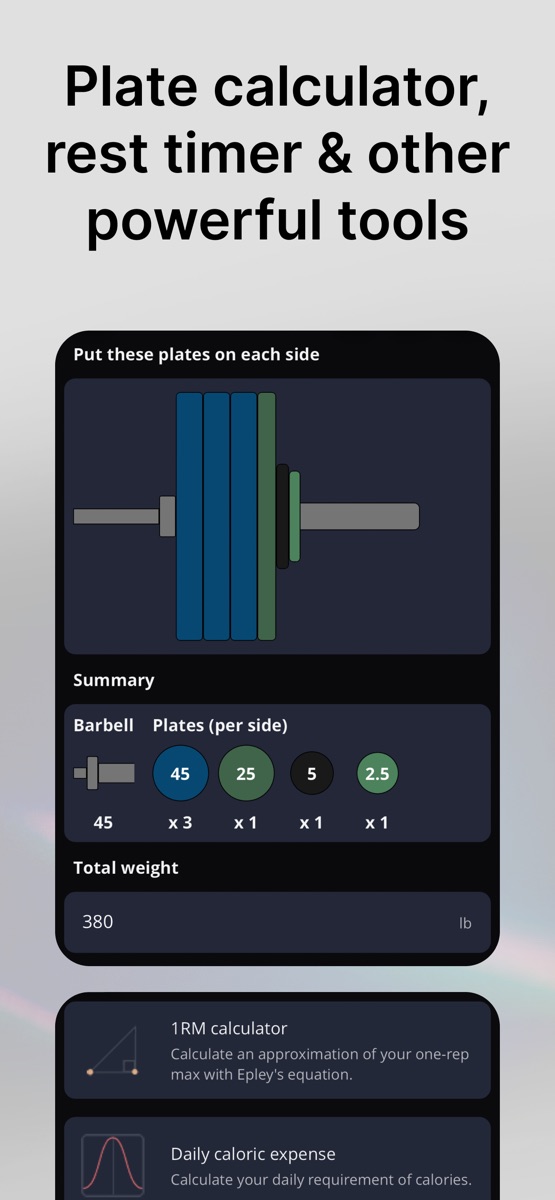
Price and access snapshot · 2026-10-30
- Price
- Free; Premium $16.90/month, $37.90/3 months or $109.00/year (US App Store, October 30, 2026)
- Free tier / trial
- Unlimited free workout logging and custom exercises, no ads; Premium adds double and triple progression, the full program library and RPE/RIR logging
- Platforms
- iOS, Android, Apple Watch, Wear OS
Apple Watch: App Store lists support; watch workflow not tested
For building and maintaining your own routines
JEFIT
JEFIT is worth considering if you like constructing your own routines and want an exercise database alongside them. It is especially worth keeping if those routines are already there.
JEFIT's public site links its workout plans and exercise database. Those are the parts I would inspect first: are the exercise variations you use easy to identify, and can you organize the routine the way you need? The number of entries alone is not a useful measure of fit.
JEFIT also documents load recommendations through its Progressive Overload System and a separate Adaptive Plan. Verify your account's access and current feature availability. Existing users should investigate those tools before assuming they need to switch apps for suggested targets.
When comparing it with another logger, pay attention to exercise names and variations. Your history is less useful if similar movements are split across entries you cannot easily distinguish. Try finding a previous session and rebuilding one routine before deciding which app makes your records easier to use.
Product documentation: JEFIT workout plans and exercise database; JEFIT progression system; JEFIT rollout FAQ.
When to keep it: Keep JEFIT if your exercise names, routines, and history are organized in a way you understand. Move when you can name the limitation, not because another app appears higher in a list.
Before you choose: Check the tier containing your required analytics and routine tools. Do not assume every advertised capability is part of the free version.
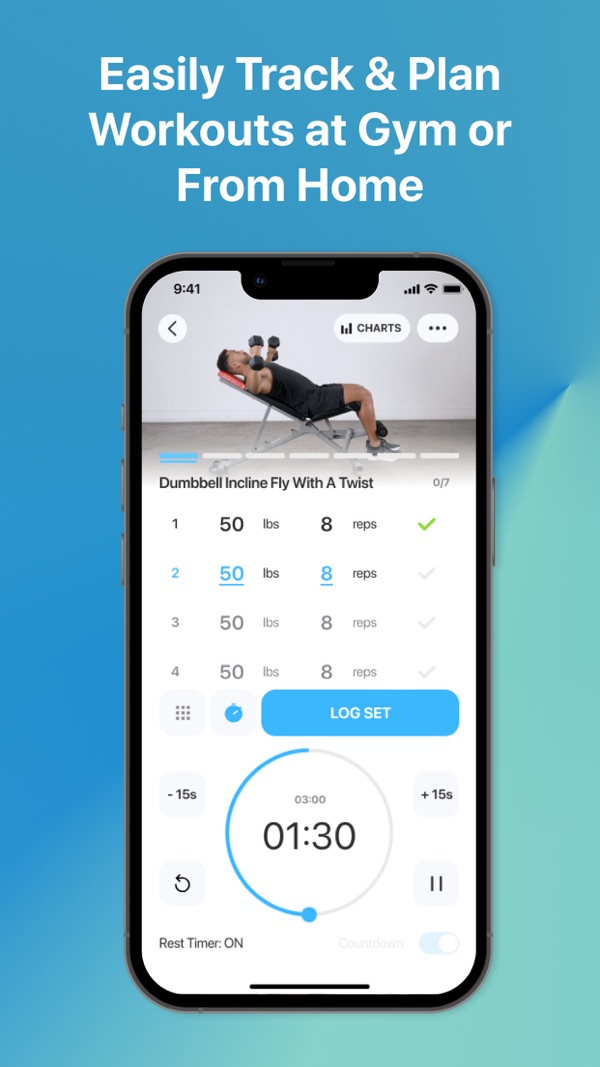
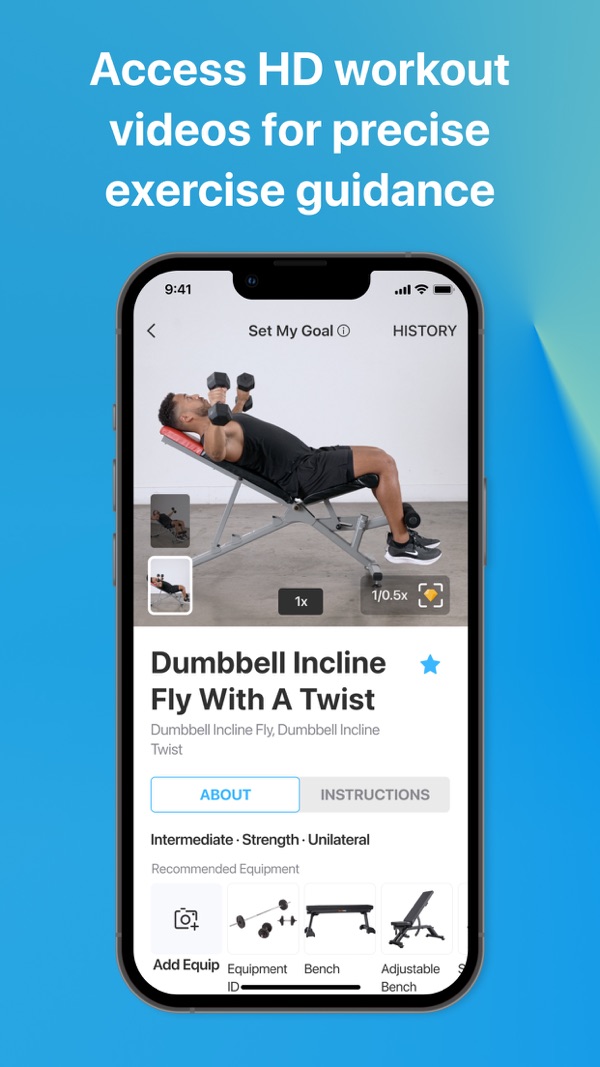
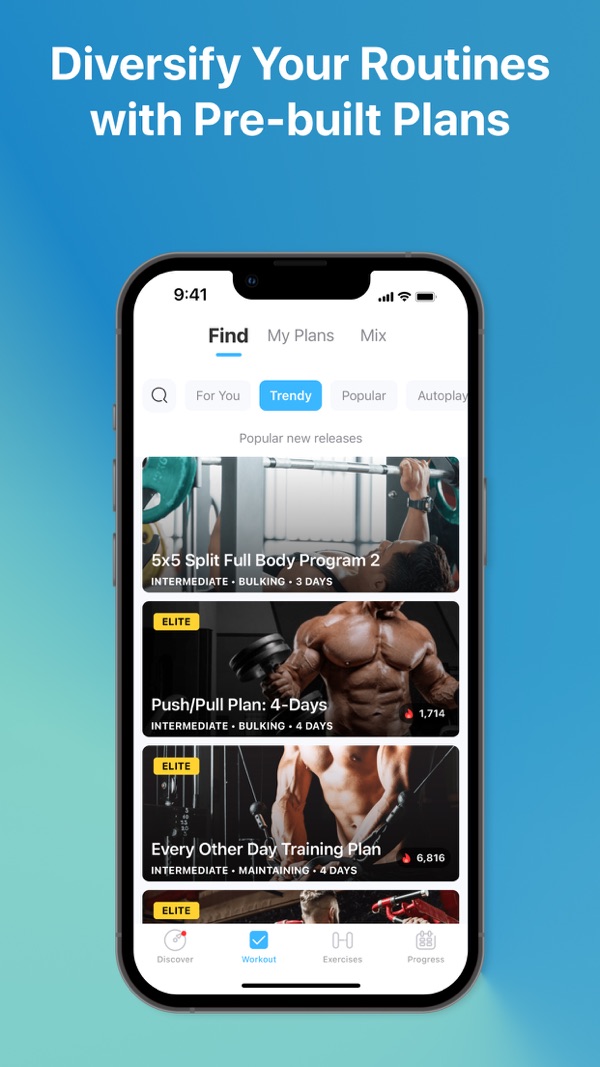
Price and access snapshot · 2026-09-08
- Price
- Free; Elite about $13/mo in the US
- Free tier / trial
- Free tier with ads and limits
- Platforms
- iOS, Android, Apple Watch, Wear OS
Apple Watch: Watch support listed in Elite; confirm device workflow
How we picked
Use one existing workout as your shopping test
Our methodology starts with the job each app documents, not a weighted score that rewards every app for being a coach. To choose between your finalists, bring a workout you already do. The exercise below is an illustrative decision aid, not a test we performed or a suggested training plan.
- Recreate the session. Use your actual exercises, warm-up sets, working sets, and notes. If your routine includes a superset or a custom exercise, include it. Notice what you must change to fit the app.
- Record what happened, not just what was planned. Enter a completed set, correct a mistaken rep count, and replace an exercise. You are looking for an understandable record, not trying to win a tap-count contest.
- Find it again. Finish the session and open the next one. Can you retrieve the previous result where you need it? A summary chart is not a substitute for the particular set you wanted to check.
- Inspect the next decision. For a logger, can you enter your program's next target? For a planner, can you distinguish its recommendation from your completed result? For a generator, does the proposed session respect the equipment and structure you intended?
- Try your real constraints. If you need a watch or a weak-signal gym workflow, use a disposable test session to check starting, editing, saving, and syncing. Confirm data export and subscription terms before moving your history or paying.
The result should be a sentence: "This app solves the problem my current setup leaves me with." If you cannot finish that sentence, there may be no reason to switch.
Bottom line
Your existing app is also a candidate
A spreadsheet, paper notebook, or tracker outside this shortlist may already do the job. This is a selected comparison, not a claim that every unlisted app fell short. Familiar routines and readable history have value that a feature table cannot price.
Keep what you have when it records your training, preserves the details you need, and leaves you clear about the next session. Switch when a missing capability repeatedly gets in the way: a routine limit, unavailable exercise format, device requirement, or planning decision you no longer want to make yourself.
For a first tracker, I would start with a logger and an existing routine. If you do not have a routine, choose the program or planning approach first. That keeps the purchase tied to your training instead of letting a subscription decide how you train.
Why you should trust this guide
What the evidence can and cannot tell you
We publish Handler, so we have a commercial interest in this category. Handler is excluded from the editorial recommendations and comparison table. Its public availability, subscription requirement and limitations are disclosed below.
The linked product documentation supports the makers' descriptions of their apps, not independent proof of speed, reliability, or training results. Features can differ between free and paid tiers; check the specific workflow and subscription you plan to use.
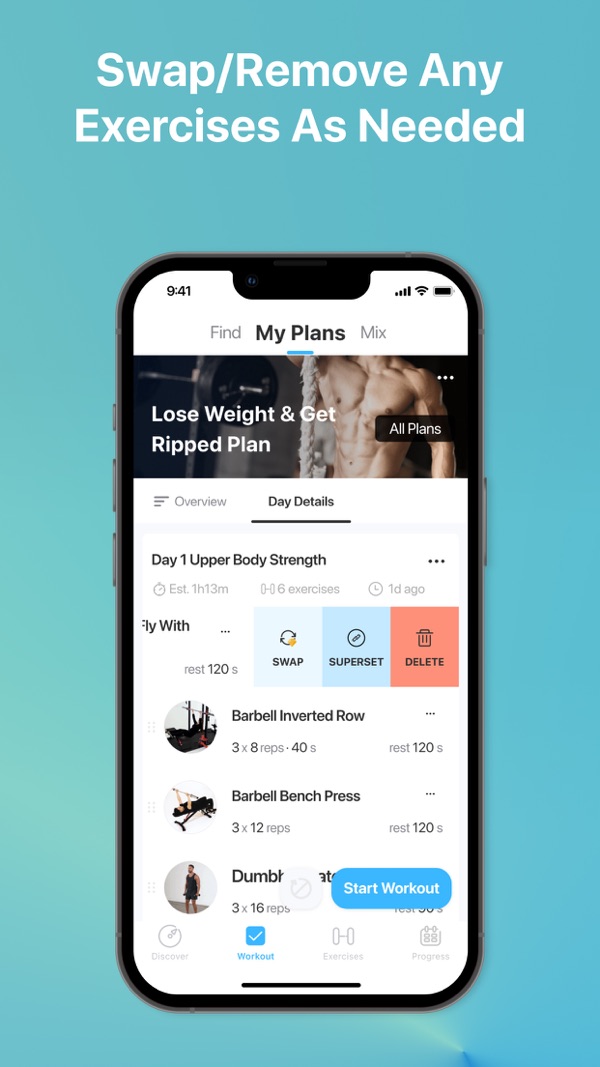
Pricing, free-tier, and platform entries come from our existing app records and keep their recorded dates. The editorial update does not reset those fact-check dates. Screenshots are illustrative product assets, not evidence that we ran the apps in this comparison, and may show earlier versions.
We did not run a controlled hands-on comparison, time logging tasks, test watch or offline behavior, or measure fitness outcomes. Recommendations are editorial judgments about documented use cases. We do not convert store ratings into our own scores or claim that an app is suitable for everyone.
Full source list
Sources
- 01Hevy logging documentationhevyapp.com/features/track-workouts/
- 02Hevy Trainer announcementhevyapp.com/announcing-hevy-trainer/
- 03Hevy official site (product positioning, social features, Apple Watch/Wear OS, and offline workout wording)hevyapp.com
- 04Hevy workout plan generator (official Trainer page documenting personalized program generation, adjustable working weights, and Pro availability)hevyapp.com/features/workout-plan-generator/
- 05Hevy pricing page (Reference link for checking the current offer; not readable in this audit and not used to establish exact prices)hevy.com/pricing
- 06Hevy pricing comparison (Hevy's own US pricing: Pro $2.99 monthly, $23.99 annual, $74.99 lifetime, current as of October 14, 2026)hevyapp.com/hevy-pricing-comparison/
- 07Hevy 2026 features guide (Free vs Pro table: 4 routines, 7 custom exercises, 3 months of workout and stats history on free; Trainer is Pro; article text read through Hevy's public help-center API)help.hevyapp.com/hc/en-us/articles/33106320824727-Everything-You-Need-to-Know-About-the-Hevy-App-2026-Features-Guide
- 08Hevy free-version limits help (Official reference for free-tier limits and what happens on downgrade; article text verified through Hevy's public help-center API)help.hevyapp.com/hc/en-us/articles/38279350428695-What-will-happen-to-my-account-if-I-switch-from-Pro-to-the-free-version
- 09Hevy App Store listing (US in-app purchase prices ($2.99 and $3.99 monthly, $23.99 yearly, $74.99 lifetime), Apple Watch, and the listing's offline wording)apps.apple.com/us/app/hevy-workout-tracker-gym-log/id1458862350
- 10Hevy Google Play listing (Android and Wear OS availability)play.google.com/store/apps/details
- 11Strong official product and device informationstrong.app
- 12Strong official site (product positioning and Apple Watch support)strong.app
- 13Strong PRO help article (Pro subscription, free-version access, and regional price caveat)help.strongapp.io/article/132-strong-pro
- 14Strong App Store listing (iOS, Apple Watch, free routine limit, and US Pro pricing reference)apps.apple.com/us/app/strong-workout-tracker-gym-log/id464254577
- 15Strong Google Play listing (Android availability)play.google.com/store/apps/details
- 16Boostcamp program library and featuresboostcamp.app
- 17Boostcamp Pro page (free vs Pro comparison: Auto Progression and personalized programs in Pro; prices and trial)boostcamp.app/pro
- 18Boostcamp free workout app page (free program library, full tracker, uncapped custom program builder; Auto Progression listed under Pro)boostcamp.app/free-workout-app
- 19Boostcamp App Store listing (iOS availability and in-app purchase reference)apps.apple.com/us/app/boostcamp-workout-programs/id1529354455
- 20Boostcamp Google Play listing (Android availability)play.google.com/store/apps/details
- 21Alpha Progression planning, recommendations, and tiersalphaprogression.com/en/
- 22Alpha Progression official site (product positioning and feature claims)alphaprogression.com/en
- 23Alpha Progression subscribe page (Pro trial and subscription reference)alphaprogression.com/en/subscribe
- 24Alpha Progression App Store listing (iOS availability and in-app purchase reference)apps.apple.com/us/app/alpha-progression-gym-logger/id1462277793
- 25Alpha Progression Google Play listing (Android availability)play.google.com/store/apps/details
- 26Fitbod personalization and equipment FAQfitbod.me
- 27Fitbod membership page (membership reference; not a verified checkout snapshot)app.fitbod.me
- 28Fitbod subscription help (subscription plans, 7-day trial, and regional pricing caveat)help.fitbod.me/hc/en-us/articles/360004904714-How-to-Subscribe-to-Fitbod
- 29Fitbod trial help (7-day trial, auto-renewal, and post-trial access limits)help.fitbod.me/hc/en-us/articles/30542136101527-How-the-Trial-Works
- 30Fitbod FAQs (billing, features, integrations, trial, and platform-pricing caveats)fitbod.me/faqs/
- 31Fitbod App Store listing (iOS, Apple Watch, ratings, and in-app purchase reference)apps.apple.com/us/app/fitbod-gym-fitness-planner/id1041517543
- 32Fitbod Google Play listing (Android availability and user-review context)play.google.com/store/apps/details
- 33Fitbod Apple Watch help (watch support)help.fitbod.me/hc/en-us/articles/360006499194-Apple-Watch
- 34Fitbod offline help (offline-use limitations)help.fitbod.me/hc/en-us/articles/360006572594-Can-I-use-Fitbod-without-an-internet-connection
- 35Garage Gym Reviews Fitbod review (Further-reading reference only; not used to establish product facts or rankings)garagegymreviews.com/equipment/fitbod
- 36Lifehacker Fitbod review (Further-reading reference only; not used to establish product facts or rankings)lifehacker.com/health/fitbod-app-review
- 37Fitbod subreddit (community discussion link; not captured as review evidence)reddit.com/r/fitbod/
- 38StrengthLog free and premium FAQstrengthlog.com
- 39StrengthLog official app page (product positioning and platform support)strengthlog.com/app/
- 40StrengthLog Apple Watch guide (official Apple Watch logging documentation; historical release guide, not a current hands-on test)strengthlog.com/the-best-gym-app-for-apple-watch-is-here/
- 41StrengthLog Premium help article (premium features and subscription reference; prices vary by country)help.strengthlog.com/help-article/strengthlog-premium/
- 42StrengthLog app terms (subscription and billing terms, including no transfer between Android and iOS)strengthlog.com/app-terms-privacy/
- 43StrengthLog App Store listing (US in-app purchase prices ($16.90 a month, $37.90 for 3 months, $109.00 a year), the free and Premium feature lists, and Apple Watch support)apps.apple.com/us/app/strengthlog-workout-tracker/id1434229662
- 44StrengthLog Google Play listing (Android availability)play.google.com/store/apps/details
- 45JEFIT workout plans and exercise databasejefit.com
- 46JEFIT progression systemjefit.com/ai-workout-tracker
- 47JEFIT rollout FAQjefit.com/support/faq
- 48JEFIT Adaptive Plan (marketing advertises generated blocks and weekly adaptation, while the FAQ confirms Stage 1 load progression and calls Stage 2 adaptation forthcoming; this conflict leaves generated-block availability unresolved)jefit.com/ai-workout-tracker/adaptive-plan
- 49JEFIT Watch (official Apple Watch and Wear OS workout logging documentation)jefit.com/watch
- 50JEFIT Elite pricing page (free and Elite pricing reference)jefit.com/elite
- 51JEFIT download page (product positioning and platform links)jefit.com/download-app
- 52JEFIT App Store listing (iOS, Apple Watch, and current US in-app purchase reference; monthly listing was $12.99 when checked)apps.apple.com/us/app/jefit/id449810000
- 53JEFIT Google Play listing (Android availability)play.google.com/store/apps/details
Separate disclosure: our app, Handler
Handler is our own product. Handler is available on the App Store and Google Play. Handler Pro is required after onboarding; subscription terms are shown before purchase. Our product-status record is dated 2026-10-15.
The App Store listing describes strength plans, workout logging, AI coach chat, progression targets, history and progress review. Apple Watch is in development and offline reliability is not independently established. Public availability is not evidence that Handler performs better than the apps above.
See platform status and pricing status for first-party details.